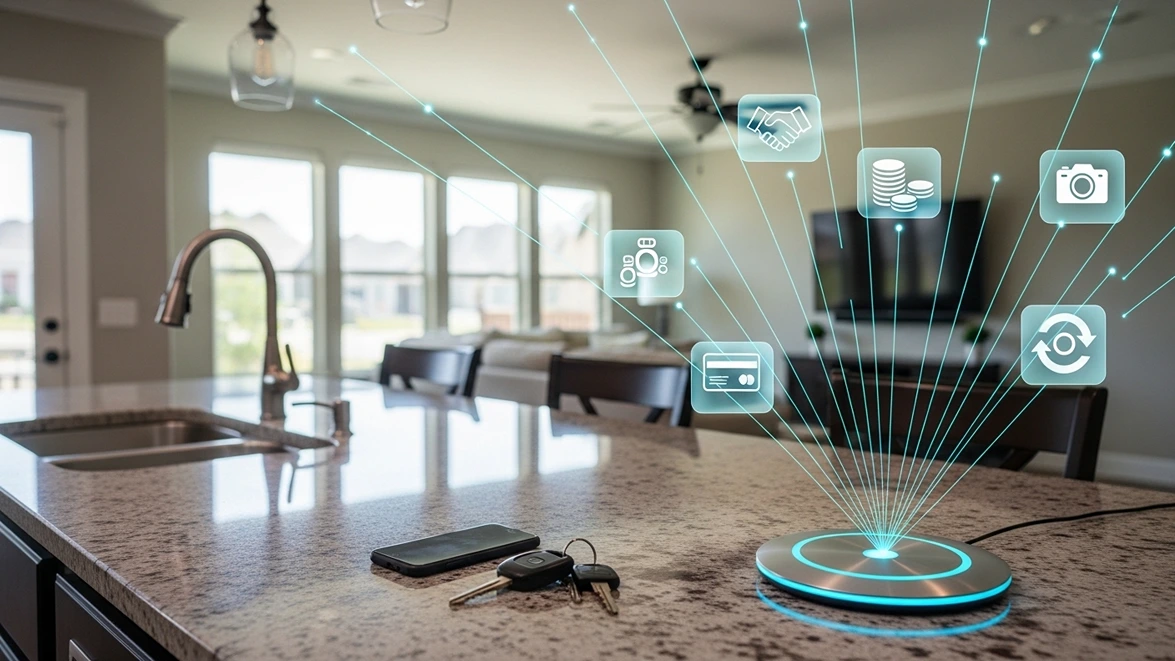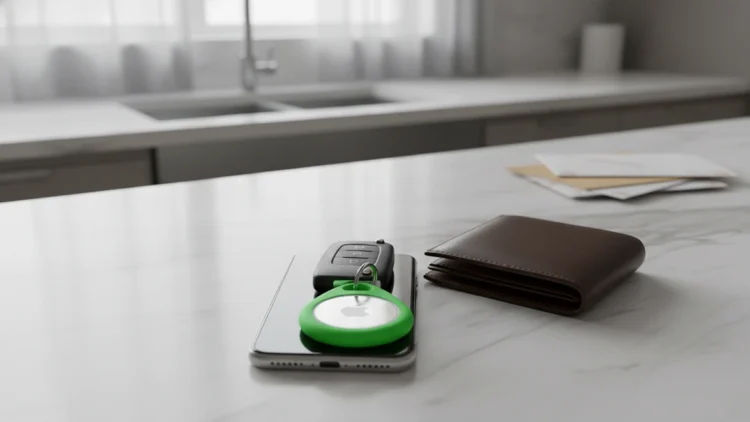
Imagine finding a small white disc tucked inside your car’s bumper weeks after it started reporting your location. AirTags were made to help people find lost keys and luggage, and they do that job well. The trouble is that the same features work just as smoothly on a person. AirTag tracking does not care whether the thing moving across the map is a suitcase or someone’s daily routine.
Apple has added safeguards over the years, and they do help. They also have gaps that matter most to the people least likely to notice. Understanding how the newest AirTag works, where its protections fall short, and how to check for one yourself turns a vague worry into something you can actually manage. That knowledge matters whether you own AirTags or simply share the road with people who do.
What the Second-Generation AirTag Changed
Apple released its second-generation AirTag in January 2026, keeping the same $29 price for a single tag and $99 for a four-pack. It looks identical to the original on the outside. Inside, a new Ultra Wideband chip powers Precision Finding, the feature that points you toward a tag with on-screen directions, and an upgraded Bluetooth chip extends its general range.
The new model can be located from up to 50 percent farther away with Precision Finding, and that feature now works on Apple Watch as well as iPhone. Its speaker is also about 50 percent louder, which Apple says lets the chime carry up to twice as far. Battery life still runs more than a year on a standard coin cell that owners can replace themselves.
For owners, these are welcome upgrades. Lost bags are easier to recover, and owners can now share a tag’s location with more than 50 airline partners when luggage goes missing. Apple did not announce new anti-stalking features alongside the hardware, though. The protections carried over from earlier updates, which means the tracker grew more capable while the safeguards largely stayed the same.
Longer Range Works for Stalkers Too
Every improvement that helps you find your keys also helps someone find you. Better range means a person who planted a tag can confirm its location without getting close. A stronger Bluetooth connection means more passing iPhones can pick up the signal and report its position. In a busy city, that network can update a location with unsettling frequency.
The low price makes the problem worse. At $29, a tracker is cheap enough to be disposable. Someone does not need to recover it after learning where a person lives or parks each night. A four-pack makes it just as easy to mark several cars in a parking lot as it is to tag a single bag, and the tags themselves are small enough to hide almost anywhere.
Hidden placement is the final ingredient. An AirTag fits easily inside a coat lining, a purse pocket, a child’s backpack, or a car’s wheel well. It has no lights, no screen, and no off switch, so nothing about it draws attention. Most people would never think to look for one unless something prompted them to, and that is precisely what makes AirTag tracking so effective when it is misused.
How AirTag Tracking Alerts Work
Apple’s main defense is an alert on your iPhone. According to Apple’s tracking alert guide, if an AirTag separated from its owner is seen moving with you over time, your phone displays a notification that an AirTag has been found moving with you. From there, you can play a sound on the tag, view details about it, and get instructions for disabling it.
AirTags also make a sound on their own when they have been away from their owner for a period of time and are moved. That chime is meant to warn anyone nearby, including people without an iPhone. If you find a tag that is not yours, Apple advises contacting law enforcement if you feel your safety is at risk, since police can request owner information from Apple.
Where the Safeguards Fall Short
The weakness in these alerts is timing. They depend on a tag being seen moving with you over time, so a short trip may end before any warning appears. By the time an alert arrives, the person who planted the tag may already know where you live, work, or park overnight. A warning that comes after the destination is revealed protects far less than one that arrives before.
The built-in chime has limits too. A tag buried inside a seat cushion or wedged into a bumper may be hard to hear over road noise or a television. First-generation AirTags could also have their speakers disabled through tampering, and those older tags remain in circulation. A quiet tag that never triggers a phone alert can track someone for a long time without being noticed.
Android Users Face a Different Picture
People who carry Android phones were left out of AirTag alerts for the first two years. Google began rolling out unknown tracker alerts in 2023 for Android 6.0 and newer, starting with AirTags. Today, Android phones can warn you automatically when an unknown tracker appears to be moving with you, as long as the feature and location services are turned on.
Android also offers a manual scan you can run anytime from the Safety and Emergency section of Settings. That scan is worth knowing about, because automatic alerts can take time to trigger, just as they do on iPhone. Apple and Google also backed a shared industry standard for detecting unwanted trackers, which helps alerts work across both platforms instead of only within one.
Even with these improvements, alerts depend on your phone’s settings. If location services or the alerts themselves are switched off, automatic warnings will not arrive. Many people never check these settings at all. A quick look at your phone’s safety menu takes less than a minute and could be the difference between catching a tracker early and never knowing it was there.
Signs Someone May Be Tracking You
Phone alerts are only one clue. Pay attention if someone seems to know where you have been without being told, or keeps showing up in places you did not mention. Listen for an unfamiliar chime coming from your bag, car, or jacket. A small disc, a bulge in a lining, or a new object in your vehicle that you do not remember adding all deserve a closer look.
Your car deserves a physical check, because it is one of the easiest places to hide a tag. Look inside wheel wells, behind bumpers, under seats, and in the trunk lining. For a more thorough sweep, a hidden camera detector with RF and magnetic modes can help locate trackers and other devices that a quick visual check might miss.
If you find an AirTag that is not yours, take photos of it and where it was hidden before you do anything else. Hold it near your phone to view its details, and save the serial number. Then contact local law enforcement, especially if you suspect stalking. Disabling the tag may alert whoever placed it, so make sure you are somewhere safe first.
Using AirTags Responsibly
None of this means AirTags are bad products. They remain one of the easiest ways to keep track of keys, wallets, luggage, and even a pet’s collar. For owners, the second-generation model is a clear upgrade, with longer range, a louder speaker, and the option to share a tag’s location with airlines when a bag goes missing. Used as intended, AirTag tracking solves a real everyday problem.
Apple AirTag Tracking
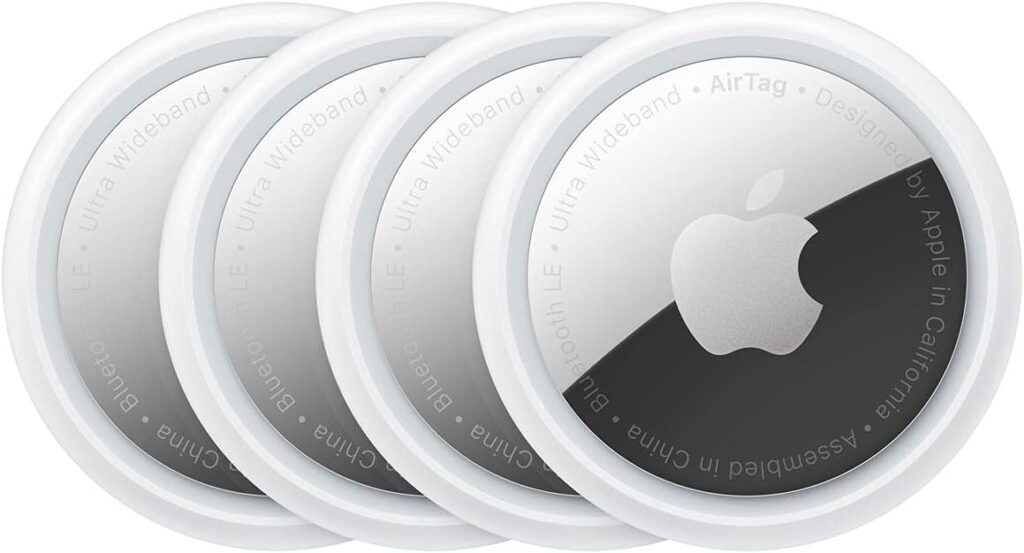
Apple AirTag (2nd-Gen) 4-Pack
Item Tracker with Expanded Precision Finding
A 50% louder speaker and upgraded Ultra Wideband chip make lost keys, bags, and luggage easier to find. Each AirTag runs over a year on a replaceable battery and includes Apple’s built-in alerts against unwanted tracking.
As an affiliate, we may earn a commission from qualifying purchases.
Responsible use starts with consent. Never place a tag on another adult’s belongings or vehicle without their knowledge, and treat any tracker as part of your broader modern data protection habits. Turn on tracking alerts on every phone in your household, including Android devices, and teach family members what an unexpected alert or chime means.
Small Enough to Ignore, Powerful Enough to Follow
AirTags keep getting better at finding things, and that includes people who never agreed to be found. Apple’s alerts help, but they work on a delay and depend on settings many people never check. The most reliable protection is awareness backed by a quick physical check whenever something feels off, along with knowing exactly what to do if you find a tag.
Trackers will only get smaller and more capable from here. Treat an unexpected chime or alert as a reason to stop and look, not something to dismiss. Owning AirTags and staying safe from them are not opposites. They simply require knowing how the technology works, both for you and against you, and acting on that knowledge before someone else does.