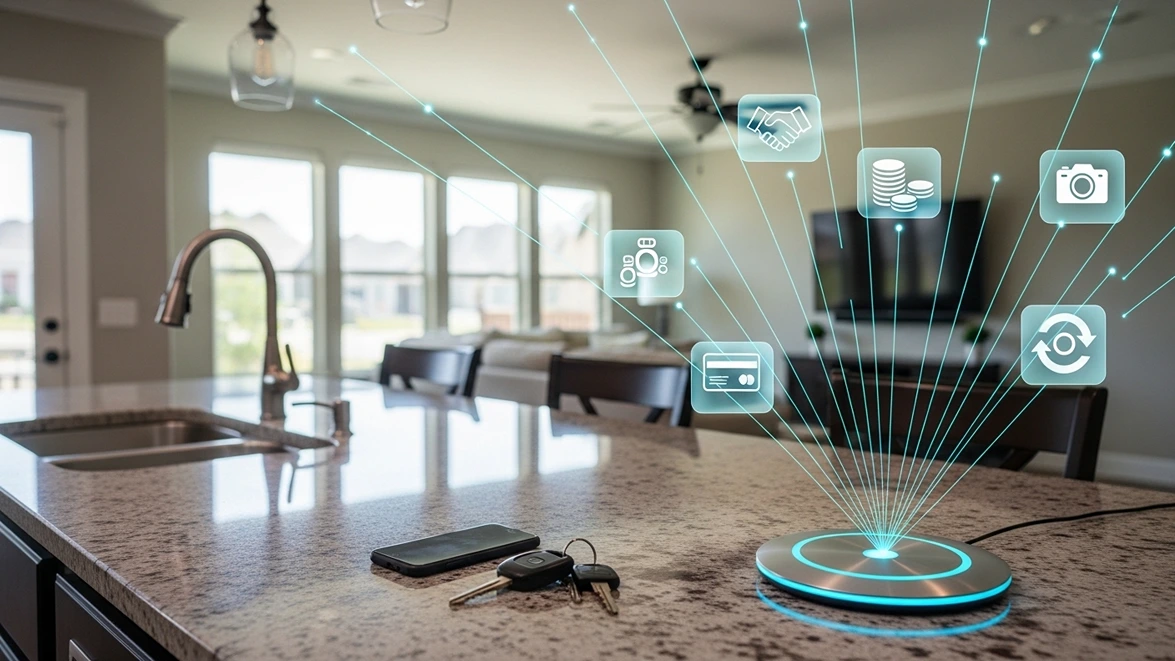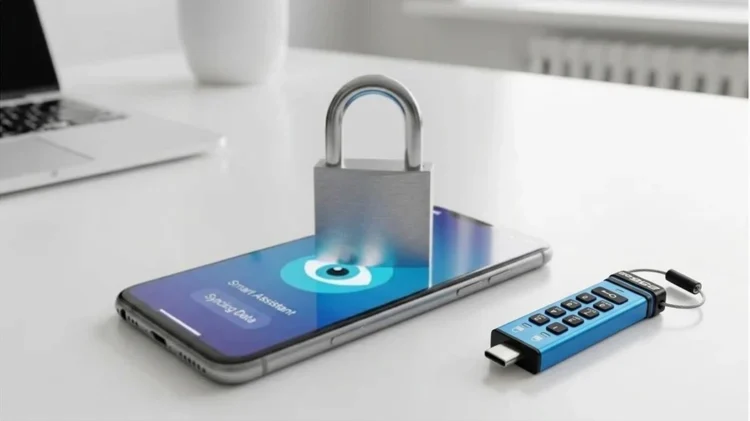
Your calendar assistant reads your email. Your smart speaker listens for its wake word, and your free photo app scans every picture you upload. Most people accept these trades without a second thought because the benefit feels immediate and the cost stays invisible. Modern data protection starts with noticing that trade and deciding which parts of your life you are actually willing to hand over.
The good news is that protecting yourself does not require giving up modern technology. It requires a handful of deliberate choices about where your files live, how your accounts are locked, and what your network allows through. None of these steps takes more than an afternoon to set up. Together, they shift control of your information back to you instead of the companies that profit from collecting it.
What Convenient Apps Really Collect
The scale of collection is larger than most people assume. A Federal Trade Commission report on major social media and video streaming companies found they collected and could keep enormous amounts of data on both users and people who never signed up. Some of that information came from data brokers. The report also found that some companies failed to delete all user data even after people asked them to.
Much of that data now feeds automated systems, including algorithms and AI tools. The FTC found that users had little or no way to opt out of how their information was used by those systems. AI assistants raise the stakes further, because they work best with broad access to your inbox, calendar, and files. Every permission you grant expands the picture a company can build of your habits, finances, and relationships.
That picture rarely stays in one place. Data moves between partners, advertisers, and service providers through agreements that few users ever read. Once it leaves the company you trusted, you lose any practical ability to track it or pull it back. This is why the most reliable protection happens before information leaves your hands, not after a company promises to treat it well.
Where Modern Data Protection Breaks Down
Most privacy failures do not come from sophisticated hacking. They come from ordinary weaknesses that attackers know exactly how to find. According to the Verizon breach report, stolen credentials appeared somewhere in about 39 percent of confirmed breaches in its 2026 edition. Reused passwords, phishing emails, and logins leaked in earlier breaches all feed that pipeline, and each one hands attackers a working key.
The same report found a notable shift. Exploiting unpatched software became the most common way attackers first got in, at 31 percent of breaches, overtaking stolen credentials for the first time in the report’s history. For everyday users, that finding carries a simple lesson. Delaying updates on your phone, computer, and router leaves known holes open long after a fix is available.
Cloud storage adds another weak point. Files stored on a remote server are only as safe as that provider’s security and your login to it. If your account falls to a phishing page, everything synced to it falls too. Keeping your most sensitive documents off connected services entirely removes them from that risk, no matter how the next breach happens.
Encryption in Plain Terms
Encryption scrambles information so that only someone with the right key can read it. Symmetric encryption uses a single key to both lock and unlock data, which makes it fast and well suited for files on your own drives. Asymmetric encryption uses a matched pair of keys, one public and one private, so two parties can communicate securely without ever sharing a secret password.
Strong algorithms like AES-256 are widely considered the gold standard for protecting stored data, and a breakdown of modern encryption standards shows how each method fits different situations. The practical takeaway is simpler than the math. Data encrypted on a device you control stays protected even if someone steals the device, while data handed to a service depends on how that service manages its keys.
Lock Down Your Logins First
Your accounts are the front door to your data, so they deserve the strongest lock you can manage. Start by giving every account its own long, unique password. A password manager such as NordPass makes that realistic by generating and storing those passwords for you, so a breach at one company cannot unlock the others. Most people then only need to remember one strong master password.
Passwords alone still fall to phishing, which is where physical security keys come in. A key like the YubiKey stores a passkey on hardware you carry, and it refuses to sign in to fake websites. Add one to your email account first, since email controls password resets for nearly everything else. Then add it to your password manager and your bank.
Keep Sensitive Files Within Reach
Some files should never sit on a cloud server at all. Tax returns, scanned IDs, medical records, and financial statements are exactly what identity thieves want. A hardware-encrypted flash drive keeps those documents in your hands, locked behind a PIN that no remote attacker can reach. The drive handles the encryption itself, so it does not depend on software installed on your computer.
The Kingston IronKey Keypad 200C is a strong example of this approach. It uses XTS-AES 256-bit hardware encryption and unlocks with a PIN typed on its built-in keypad, powered by a rechargeable battery. It works on any device that accepts a USB-C drive, with no software required. Kingston also builds in brute-force protection and separate admin and user PINs, so a forgotten user PIN does not mean losing your files.
Its USB-C version is listed with FIPS 140-3 Level 3 certification still pending, while Kingston says the original USB-A model was the first drive to pass that testing. Sizes range from 16GB for about $113 to 256GB for about $240 on Amazon. Keep a second encrypted copy somewhere else as well, and an offsite data backup guide explains how to set one up properly.
Watch What Your Network Lets Through
Your home network carries every request your devices make, including the quiet ones you never see. Smart TVs, cameras, and voice assistants regularly contact outside servers in the background. A compromised gadget can become an entry point to the rest of your network. Keeping firmware updated and changing default passwords on every connected device closes the easiest openings attackers look for.
Blocking threats before they reach your devices adds a layer that antivirus alone cannot. Comparing threat protection versus antivirus shows how filtering malicious sites at the network level stops many fake pages from ever loading. That matters because one convincing link is often all it takes. When the network refuses the connection, there is nothing left for you to accidentally click.
Reviewing app permissions belongs in this routine too. Phones make it easy to check which apps can reach your microphone, camera, location, and contacts. Remove access from any app that does not clearly need it, and delete apps you no longer use. Each permission you take back shrinks the amount of information quietly flowing off your devices every day.
Small Habits That Add Up
Modern data protection is less about a single purchase and more about consistent habits. Turn on automatic updates wherever possible, review privacy settings after major app updates, and think twice before linking accounts together for convenience. Be cautious with free services that ask for more access than their features require. If you cannot tell how a product makes money, your data is often part of the answer.
Pay attention to what you share with AI assistants as well. Avoid pasting financial details, passwords, or private documents into chat tools unless you understand how that service stores and uses your information. Many services let you opt out of having your conversations used for training, and checking those settings takes only a minute. Small choices like these compound over months and years.
Take Back the Keys to Your Information
Convenience will keep getting more tempting as apps grow smarter and more connected. That makes deliberate choices more valuable, not less. Locking your accounts with hardware, keeping sensitive files on an encrypted drive, and filtering threats at the network level give you protection that does not depend on any company keeping its promises. Data protection works best when you own the tools doing the work.
You do not need to change everything this week. Start with the account that matters most, usually your email, and add one layer at a time. Each step removes another easy opportunity for someone else to profit from your information. Over time, those steps add up to a digital life that stays under your control rather than someone else’s.
Encrypted Storage
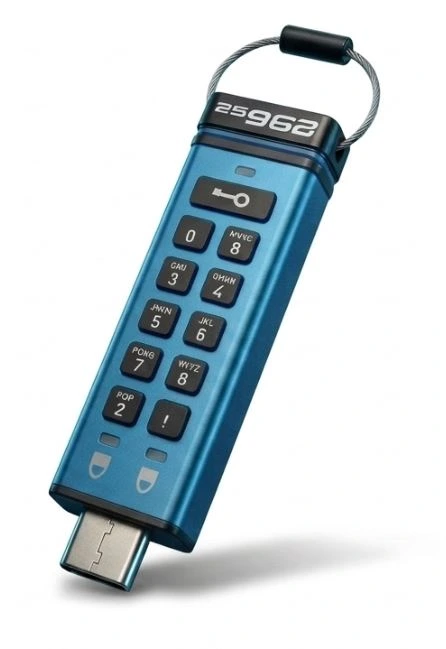
Kingston IronKey Keypad 200C
256GB USB-C Hardware-Encrypted Flash Drive