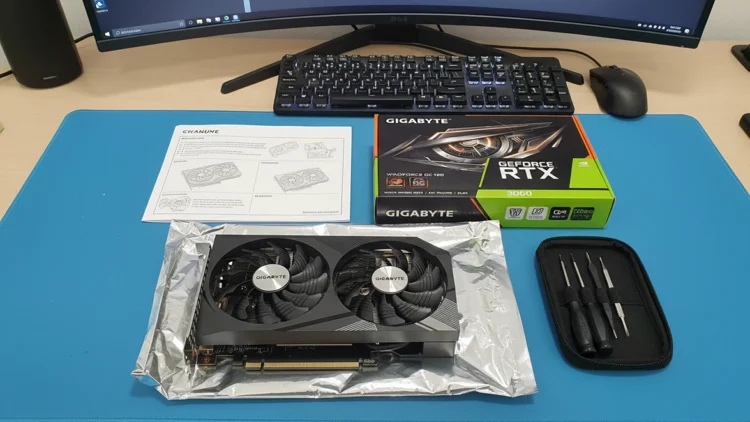
Wasted money on upgrades that do not move the needle leaves a bad taste, especially when a card already in the case quietly does what actually matters. The RTX 3060 12GB still handles everyday 1080p gaming and opens the door to practical local AI in a way many owners underestimate. Several years after launch, it remains a card that can anchor a budget build, extend an older system’s life, or run a dedicated side rig without feeling like a stopgap.
The RTX 3060 12GB entered the market as a mid-range option rather than a halo product, yet its mix of cores, features, and memory gave it staying power most cards from its generation lack. Twelve gigabytes of VRAM, support for modern APIs, and access to the same software ecosystem as higher-tier cards keep it viable for current games and emerging local AI tools alike. Gaming expectations have shifted toward higher resolutions and heavier visual effects, but the experience most people actually want still sits at 1080p with stable frame rates and predictable behavior.
Owners who inherited this GPU in a prebuilt system often assume it now bottlenecks everything, especially after reading upgrade guides built around top-end hardware. In many cases the real pain points come from limited system memory, slow storage, or an aging CPU rather than the GPU itself. Fixing those bottlenecks first, before assuming a GPU swap is the answer, is exactly where this card shifts from “old mid-range” to “smart reuse candidate” in a thoughtfully planned system.
1080p Gaming Remains the Comfort Zone
Most people care less about synthetic benchmarks and more about whether games feel smooth without turning into a blurry mess. Esports titles make the strongest case here: Counter-Strike 2 runs in the 280-320 FPS range at competitive settings, and Valorant pushes past 400 FPS on this card. That kind of headroom supports fast input response and clean motion for players who spend most of their time in shooters and similar competitive titles.
Story-driven AAA releases demand more, and this card handles them with real caveats attached. At 1080p high settings without ray tracing, demanding titles typically land in the 60-100 FPS range, with DLSS Quality lifting that meaningfully higher in supported games. Maximum ray tracing and ultra textures usually push the card past its comfort zone, but a tuned configuration of medium-to-high presets keeps visual quality strong without constant stutter or frame-time spikes.
Upscaling features give this card more breathing room than its raw spec sheet suggests. DLSS renders at a lower internal resolution while reconstructing a clean 1080p image that holds up far better than simply dropping every setting to low. That approach keeps edges sharp and raises both average and minimum frame rates without forcing a muddy, compromised look. Treated this way, the RTX 3060 12GB behaves like a genuinely stable daily driver for 1080p rather than a relic barely hanging on. Independent benchmark data from TechSpot’s GPU testing backs up this positioning across a wide library of titles.
1440p Requires Careful Expectations
Resolution bumps expose limits that spec sheets hide, and 1440p sits right on that fault line for this card. Esports titles scale up comfortably here, since lighter rendering loads leave room for high frame rates even at the higher resolution. Modern AAA releases with heavy effects tell a different story: at 1440p, demanding titles push even medium settings into uneven territory, and achieving a smooth experience generally requires DLSS Quality mode alongside deliberate preset trimming.
A flexible mindset produces better results than chasing one fixed target. Running some titles at native 1080p on a 1440p monitor with good upscaling, while reserving true 1440p for lighter games, delivers a consistent experience that respects what this card can actually deliver. That hybrid approach treats 1440p as a genuine bonus capability rather than a guaranteed baseline, and it matches how independent 1440p testing frames this card’s real-world ceiling at that resolution.
VRAM and Local AI Turn It Into More Than a Gaming Card
Twelve gigabytes of VRAM change what a GPU can do long after its pure frame-rate ranking slips down the charts. Local language models, image generators, and similar AI tools depend heavily on available video memory, and this is exactly where the RTX 3060 12GB outperforms technically faster cards with smaller VRAM allocations. The RTX 3060 Ti and RTX 3070 both beat this card in raw gaming benchmarks, yet their 8GB VRAM ceiling makes them meaningfully worse choices for local AI work, since 12GB is widely treated as the practical minimum for comfortable 7B-to-13B parameter language model inference.
Stable Diffusion runs comfortably on this card, with SD 1.5 rendering standard images in just a few seconds and SDXL workable with some headroom to spare. Compact large language models load and run at genuinely usable speeds through tools like Ollama, handling the 7B and 8B parameter models that make up most of the practical local-AI landscape in 2026. Our broader local AI hardware selection guide covers how this card pairs with the right CPU, memory, and storage to build a complete local AI machine around it.
Practical local AI use still demands realistic expectations rather than assuming this card matches dedicated workstation hardware. Larger 20B-plus parameter models and flagship-tier generative workloads push past what 12GB can comfortably hold, and running a language model alongside an image generator at the same time typically needs closer to 18GB to avoid constant memory pressure. Within that realistic range, though, this card remains a genuinely capable entry point for private, on-device experimentation that does not depend on a cloud subscription.
How to Decide Between Keeping, Buying Used, or Upgrading
Confusion about upgrade timing often wastes more money than any single component choice. Owners already running this card who mainly play at 1080p and want to experiment with local AI usually gain more from improving storage, memory, and cooling than from swapping the GPU outright. Faster drives cut load times, extra system memory supports heavier multitasking, and better airflow helps the card sustain its boost clocks, often making the whole system feel newly responsive without touching the graphics card at all.
A used RTX 3060 12GB can be a smart move in the right situation. For a secondary workstation, a home server with a graphics slot, or a dedicated local AI test box, this card still offers a strong mix of acceptable gaming performance and genuinely useful VRAM against many similarly priced current alternatives. Careful buyers should still watch for units that lived hard lives in cramped prebuilts, confirming fan function and checking for excessive dust or thermal paste degradation before trusting a listing’s description alone. Power requirements stay modest at this tier too; the card’s 170W TDP keeps recommended PSU sizing in the 450-550W range depending on the rest of the system.
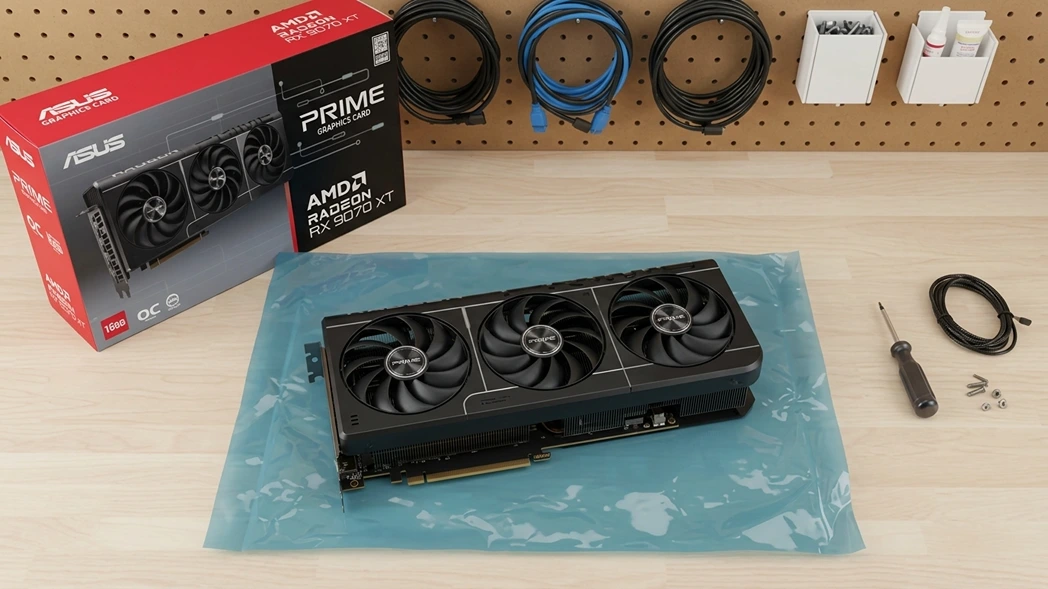
Clear reasons also exist to move beyond this card entirely. Anyone chasing high-refresh native 1440p, heavy ray-traced settings, or AI models that genuinely strain past 12GB of VRAM will feel constrained sooner rather than later. Our review of the ASUS RX 9070 XT covers what a meaningful step up actually buys in both gaming and AI headroom, for anyone weighing whether the jump is worth the cost right now.
A Practical Path Forward for Balanced Builds
Hardware decisions feel risky when every new product cycle adds fresh pressure to upgrade something that still works fine. The RTX 3060 12GB reduces that anxiety for a large group of users by delivering reliable 1080p gaming, enough VRAM for practical local AI tools, and a genuine second life in secondary builds instead of an early retirement. Owners willing to tune settings and think honestly about their actual day-to-day work often discover that this card already covers most of what matters.
For anyone building or repurposing a system around this GPU, the sensible path is keeping it as the core of a balanced 1080p and local AI machine while watching workloads and needs evolve over time. That approach respects different budgets and ambitions without pushing a one-size-fits-all answer toward hardware nobody actually needs yet.
Graphic Cards
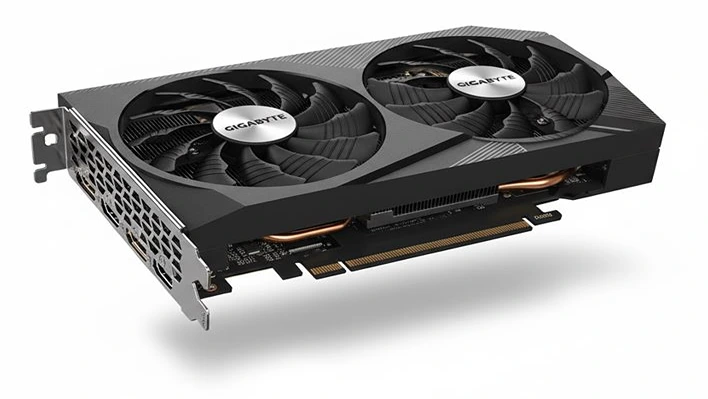
GigaByte GeForce
RTX 3060 WindForce