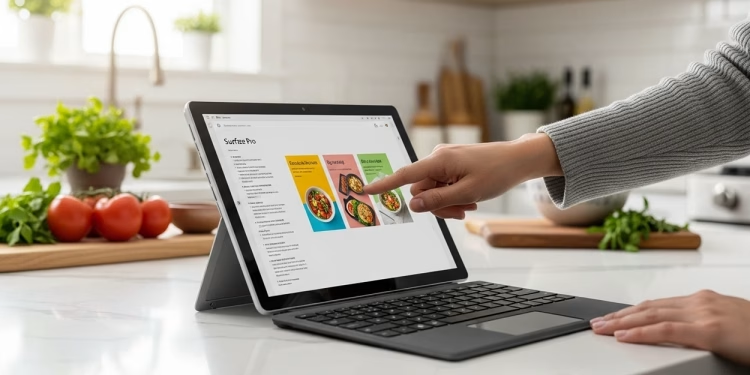
For a long time, Microsoft tried to sell us on the idea that a tablet could do everything a laptop does. The problem was that we always had to choose between a slow device that felt like a toy or a fast one that ran so hot it was uncomfortable to hold. You usually ended up carrying a heavy charger anyway because the battery would never actually make it through a full day of work.
What Microsoft finally figured out with the Microsoft Surface Pro 11 is that you cannot just keep putting the same old engines into a smaller body. They stopped trying to force traditional hardware into this thin frame and switched to a new kind of chip that acts like a smartphone but works like a workstation. This shift is the reason why the Surface finally feels like a finished product instead of a work in progress.
This change makes the device feel completely different from the moment you wake it up. It is the first time the Surface doesn’t feel like a compromise for people who travel for work. It is a tool designed for the way people actually live now, moving between meetings and coffee shops without hunting for a power outlet. The result is a computer that is finally as responsive and reliable as the phone in your pocket.
Fixing the heat and battery problem for good
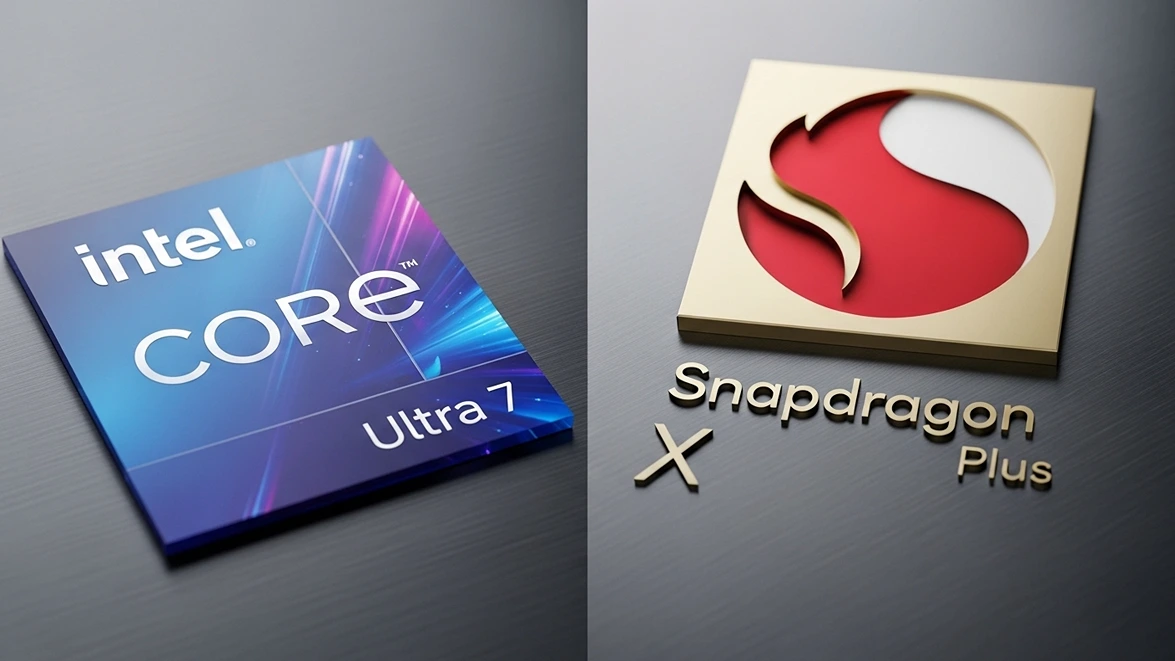
The reason this version feels so much better is the switch to the Snapdragon X Plus processor. In the past, these devices used chips that were designed for big, thick laptops, which meant they were always fighting a losing battle against heat. Microsoft realized that to make a truly portable computer, they needed an engine that was built for efficiency from the first day of design.
This new engine uses ARM architecture, which allows it to do a massive amount of work while using very little power. It does not just help the battery last longer; it changes the entire feel of the operating system. Apps open without any delay, and the “sleep” mode actually works without draining half your battery while the lid is closed.
If you want to see the gritty details of how this new engine compares to the old Intel guard, we did a deep dive on the Snapdragon X Plus vs Intel Core Ultra 7 to show exactly how this new processor is changing the industry. Seeing how this new challenger is forcing everyone to rethink their strategy helps explain why the Surface Pro 11 is such a huge jump forward. Because the chip is so efficient, Microsoft was able to make the machine thinner and lighter without sacrificing any speed.
Trading your desktop for a tablet
Most people used to think they needed a “real” computer for work and a tablet for fun, but the Microsoft Surface Pro 11 is fast enough to be both. It handles heavy spreadsheets and dozens of browser tabs without breaking a sweat or making a sound. It does not matter if you are at a desk or on a plane; it just does what you need it to do.
The flexibility of the design is what makes it a true personal computer replacement. You can snap on the keyboard to finish a report and then pull it off to sit on the couch and watch a movie. It is a machine that fits into your life instead of forcing you to sit in a specific chair to get things done.
The screen is another area where Microsoft really stepped up. The PixelSense display is sharp enough that text looks like it was printed on a high-quality page. Whether you are looking at a messy chart for a meeting or a high-def video, the colors look rich and the movement is perfectly smooth.
Surface Pro 11 Feature Ratings
| Feature | Rating | Why it matters |
| Daily Speed | 5/5 | Everything happens instantly without any lag. |
| Battery Life | 5/5 | You can actually leave your charger at home. |
| Screen Quality | 4.5/5 | Colors are vivid and text is razor sharp. |
| Portability | 5/5 | It weighs almost nothing and fits in any bag. |
| Quietness | 5/5 | The machine is completely silent all day. |
Living without a wall outlet
We have all felt that panic when the laptop battery hits twenty percent right in the middle of a project. With older versions of the Surface, that was a constant worry. Microsoft finally understood that the most important part of a mobile computer is the ability to actually stay mobile for more than a few hours.
With the Snapdragon X Plus inside, this device makes it through a full workday with plenty of power left over. You can head out for the morning and not even think about where the nearest plug is located. That kind of freedom changes the way you think about your workday.
If you are tired of being tethered to a wall, you can check out the latest Surface Pro 11 model here to find the right one for you. It is a small price to pay for the peace of mind of never seeing a low battery warning during an important call. The charging is also incredibly fast, so a quick plug-in gives you hours of use back in minutes.
Everything you look at just looks better
Microsoft did more than just fix the internals; they made sure the screen is one of the best you can buy. The 2880 x 1920 resolution means everything is smooth and clear. Scrolling through a long document or a website feels fluid because the screen updates twice as fast as a normal laptop.
The display also gets bright enough to use near a sunny window or under bright office lights without any trouble. It handles different environments better than almost any other device in its class. You won’t find yourself squinting or trying to find a dark corner just to see your work.
Making sure your stuff still runs
A big worry for people moving to a new computer is whether their favorite apps will still work. Microsoft solved this with a new tool called Prism that acts like a translator for your software. Most of the apps you use every day, like Chrome, Zoom, and Office, run natively and are incredibly fast.
For everything else, the translator works in the background so the apps still run as they should. Most users will never even notice a difference. It is the first time moving to a new kind of processor has felt this easy for the average person.
If you want to know more about the tech that makes this possible, our comparison of the Snapdragon vs the traditional Intel setup explains why this new software approach is so much better. It is the technical foundation that allows the Surface Pro 11 to be so useful for everyone.
The reality of making the switch
Moving to the Surface Pro 11 is about simplifying your setup. It gets rid of the cables, the noise, and the heavy bags. It is a powerful, streamlined tool that is ready to go the moment you are.
The build quality is solid and feels like a piece of high-end equipment that will last for years. It is a serious investment in your own productivity. By switching to the Snapdragon X Plus, Microsoft finally stopped trying to force a tablet to be a laptop and built something better than both.
The Surface Pro 11 is the proof that they finally got the formula right. If you want a machine that is fast, quiet, and lasts all day, the choice is pretty clear.
Microsoft Surface
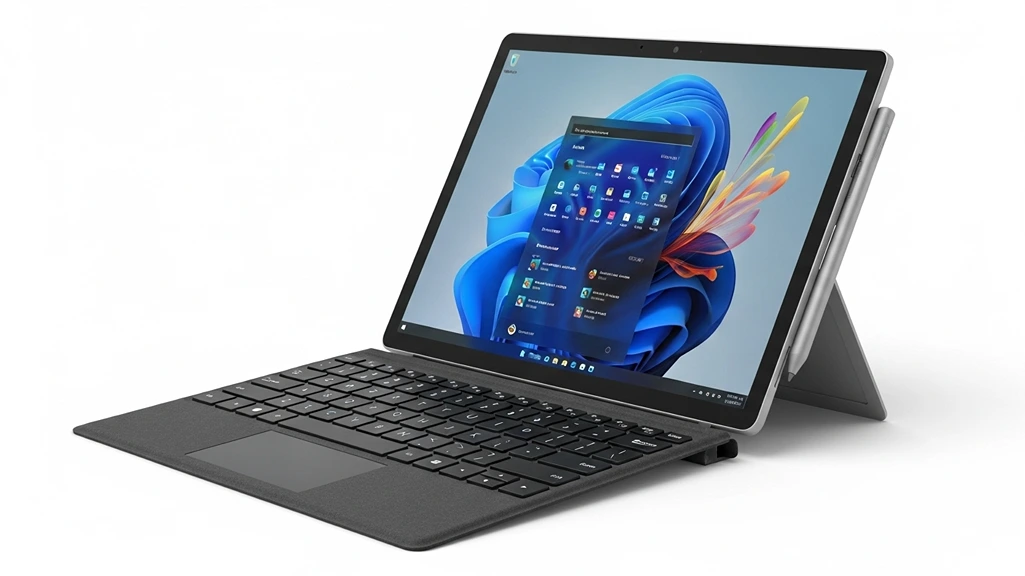
Microsoft Surface
Pro 11