Staring at the same office wall for eight hours a day drains your energy. Heavy metal computer towers and tangled cables create a permanent chain to a single desk. Breaking that chain usually means settling for a tiny laptop that chokes the minute you open a heavy spreadsheet.
Finding a real replacement requires a machine that brings the brute force of a plug-in computer into a portable frame. The Lenovo Yoga 16 solves this exact headache by pairing a massive screen with an engine designed for heavy lifting. You finally get to pack up your entire office and work from the kitchen table without wanting to throw the computer out a window.
Running heavy software without the headache
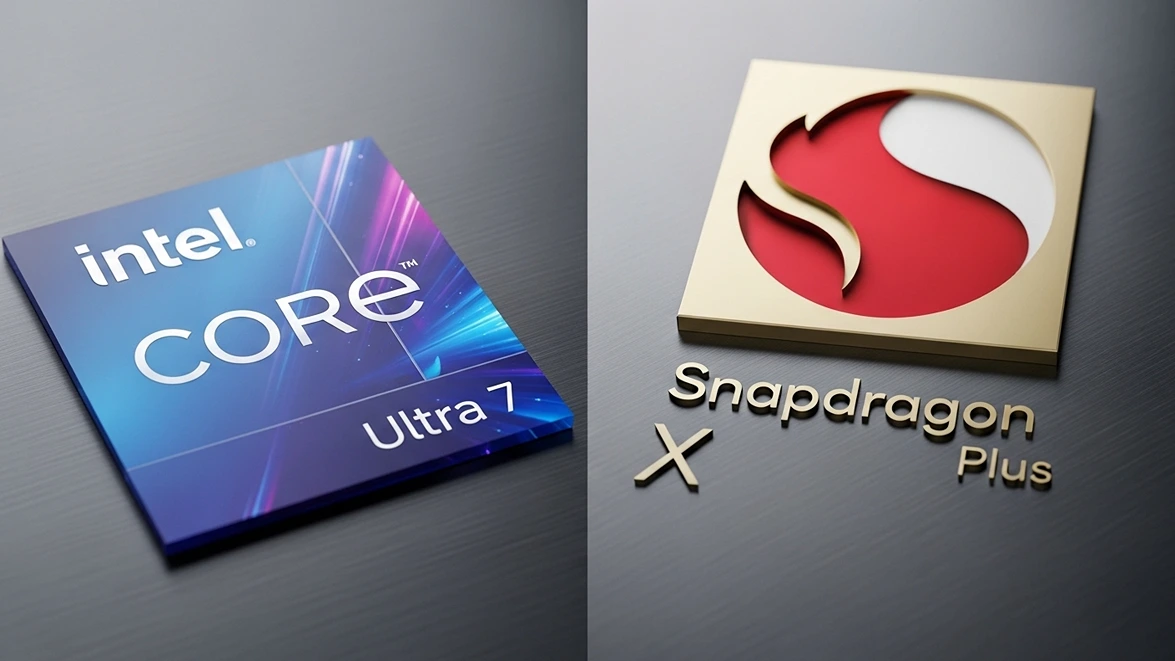
Most modern thin laptops rely on a mobile-first design that struggles to run older, heavy office software. They use background translators to make old programs work, which usually leads to random crashes right before a deadline. This specific Lenovo skips that trap entirely by using a standard Intel Core Ultra 7 processor.
Running your favorite legacy software happens naturally without any middleman software getting in the way. If your job requires a ten-year-old accounting program or heavy video editing tools, this hardware runs them exactly as intended. You never have to cross your fingers and hope an application launches correctly when the boss is watching.
To understand why this traditional processing method matters so much right now, our breakdown of the Snapdragon vs Intel processor battle explains exactly how the industry is splitting in two different directions. That underlying technology dictates whether a machine acts like a heavy-duty work truck or a lightweight commuter car. Intel built this specific chip to act like the work truck.
The reality of carrying a massive screen
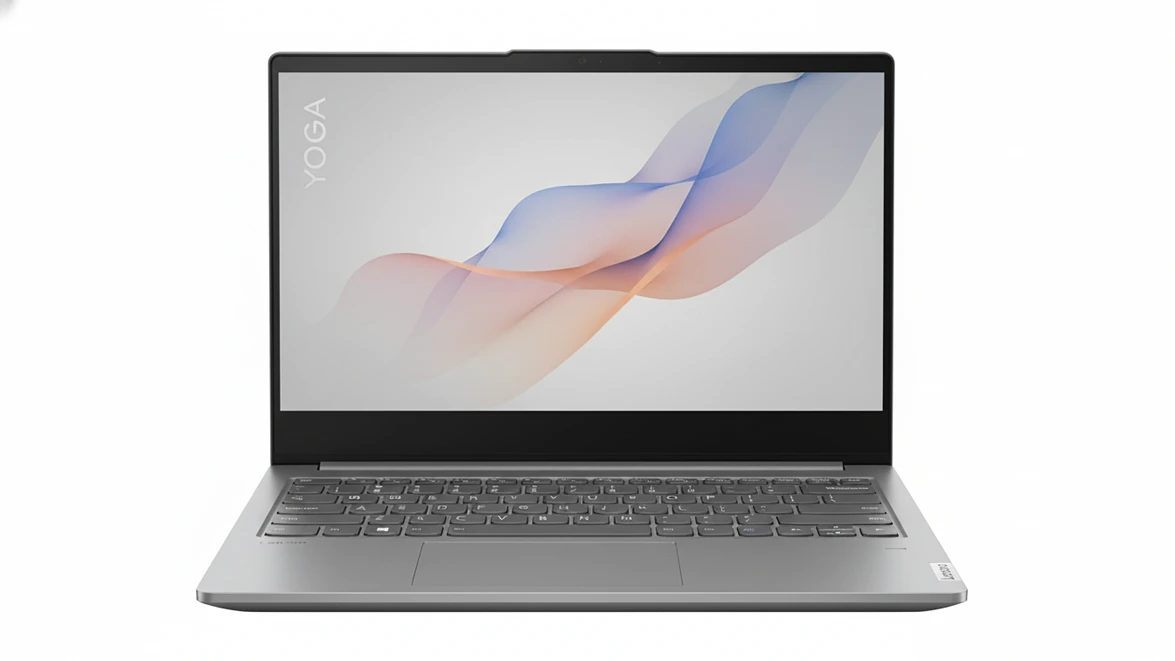
Trading a dedicated desktop monitor for a laptop screen usually feels like moving from a spacious house into a cramped studio apartment. This machine prevents that claustrophobia by providing a massive 16-inch display. The picture is incredibly sharp, making tiny text easily readable without forcing you to squint at the screen all day.
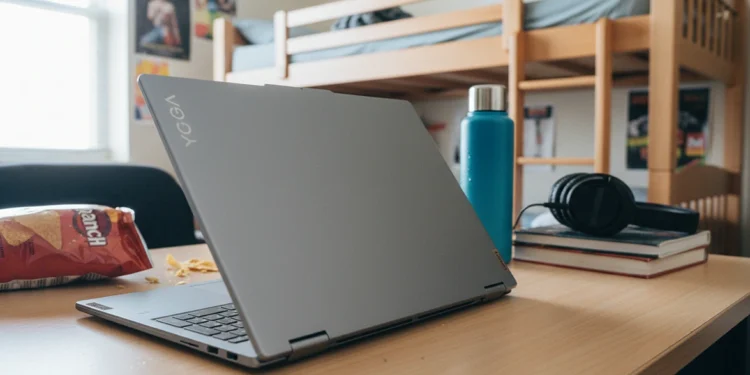
Folding the screen completely backward turns the entire computer into a giant presentation board. You can stand it up like a tent on a conference table to share a video or walk a client through a messy chart. However, holding a five-pound, 16-inch piece of metal in one hand like a reading tablet is physically exhausting.
This machine belongs on a flat surface, not hovering in the air while you sit on the couch. The included webcam and speakers are built straight into the frame, removing the need for external accessories. It provides the full desktop command center experience while taking up half the space of a traditional setup.
Eliminating the need for expensive cloud storage
Replacing a large tower means you need a place to put years of hoarded digital files. This bundle includes a massive amount of physical storage space split between the laptop itself and an external docking hub. Keeping your massive video files and photo backups stored locally saves you from paying ridiculous monthly fees for cloud storage.
The included docking station completely cures the daily frustration of hunting for the right adapter. It provides all the normal, full-sized ports you actually use for older printers, extra monitors, and wired mice. You leave the heavy hub plugged in at your desk and simply grab the laptop when it is time to travel.
Evaluating the true cost of replacement
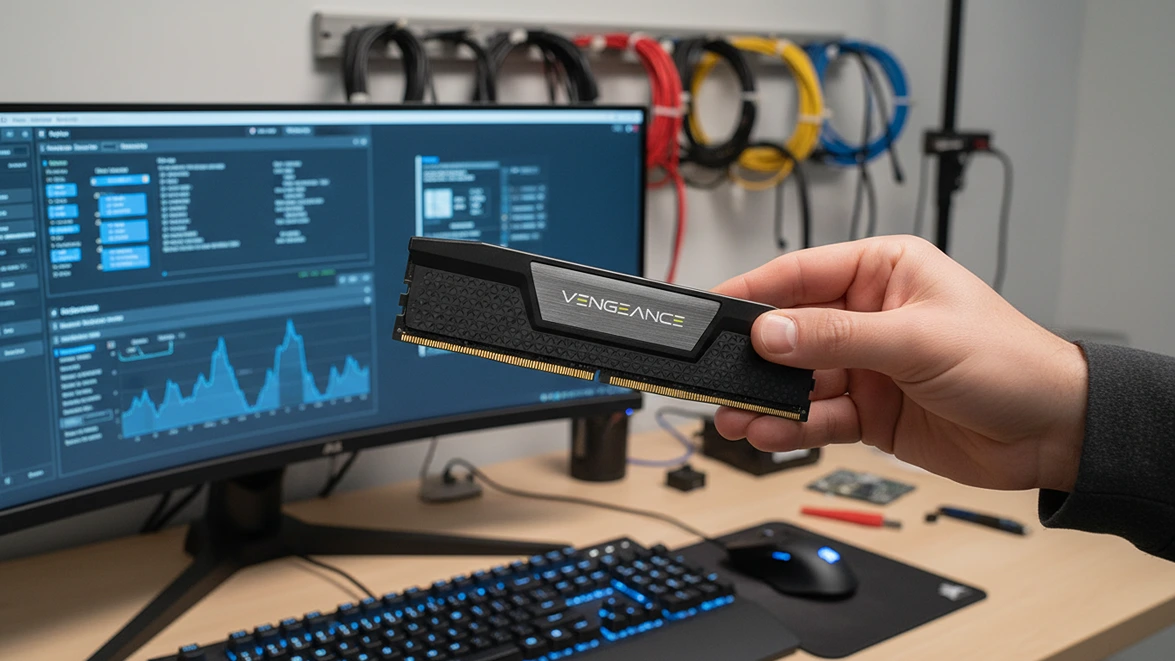
Paying for a premium laptop hurts the bank account initially, but the math changes when it replaces three different pieces of office equipment. You are buying the monitor, the computer, and the speakers all in one heavy-duty aluminum shell. The high-speed internal memory ensures the machine will not feel slow and obsolete just two years down the road.
The internal battery handles about eight hours of actual work before demanding a wall outlet. A dedicated background chip handles annoying tasks like blurring your messy room on a video call, which keeps the main engine from burning through your power reserve. It survives a full day of meetings without sending you into a panic looking for a charger.
If ditching a noisy office tower for a massive portable screen fits your workflow, evaluating the Lenovo Yoga 16 bundle offers a direct upgrade path. For professionals who care more about carrying a featherweight bag than having a giant screen, exploring the Surface Pro 11 provides a much lighter alternative.
Lenovo Yoga
Lenovo
Yoga 7i | 2-in-1